CNC Programming · Fabrication · CAD/CAM
As fabrication shops grow, manual CNC programming can become a bottleneck. Learn where manual methods struggle and how CAD/CAM software helps teams program faster, reduce errors, improve material use, and handle more work.

For a small fabrication shop, manual CNC programming can seem like the most practical way to get production moving. A programmer or experienced operator can review a drawing, create the required machining instructions, prepare the program, and send it to the machine. When the number of jobs is limited and parts are relatively simple, this approach can work well.
The situation changes as the business starts to grow. More customers bring more drawings, more part variations, tighter delivery schedules, different materials, and higher production volumes. The programming workload increases along with the number of machines and operators. What once took a few minutes can start taking much longer, especially when programmers have to repeat similar tasks for every new job.
This is where many growing fabrication shops begin to notice the limitations of manual CNC programming. The problem is not necessarily that manual programming is wrong. The real issue is that a method that worked for a small workload may not be efficient enough for a larger and more demanding production environment.
As production grows, manufacturers need better ways to manage programming, nesting, toolpaths, material utilization, revisions, and communication between the office and shop floor. CAD/CAM software can help automate many of these repetitive activities and provide a more structured workflow from design to CNC production.
In this article, we will look at why growing fabrication shops often move beyond manual CNC programming, what problems appear as production increases, and how CAD/CAM technology can help manufacturers improve productivity without unnecessarily increasing their workload.
Manual CNC programming can work well for a small fabrication shop where the number of jobs is limited and parts are relatively simple. An experienced programmer can review a drawing, prepare the required CNC program, select machining operations, and send the program to the machine.
However, as a fabrication business grows, the programming workload also increases. More customers mean more drawings, more part variations, more materials, more quantities, and more production requirements. The programmer may have to prepare many programs within a short period while also handling revisions and urgent jobs.
At this stage, manual programming can become a bottleneck. Even when the shop has enough machine capacity to accept additional orders, production may still be delayed because the CNC programs are not ready. Programmers may spend a large amount of their working time performing repetitive tasks instead of focusing on more complex manufacturing decisions.
This is one of the main reasons growing fabrication shops begin looking for a more structured and efficient CAD/CAM workflow.
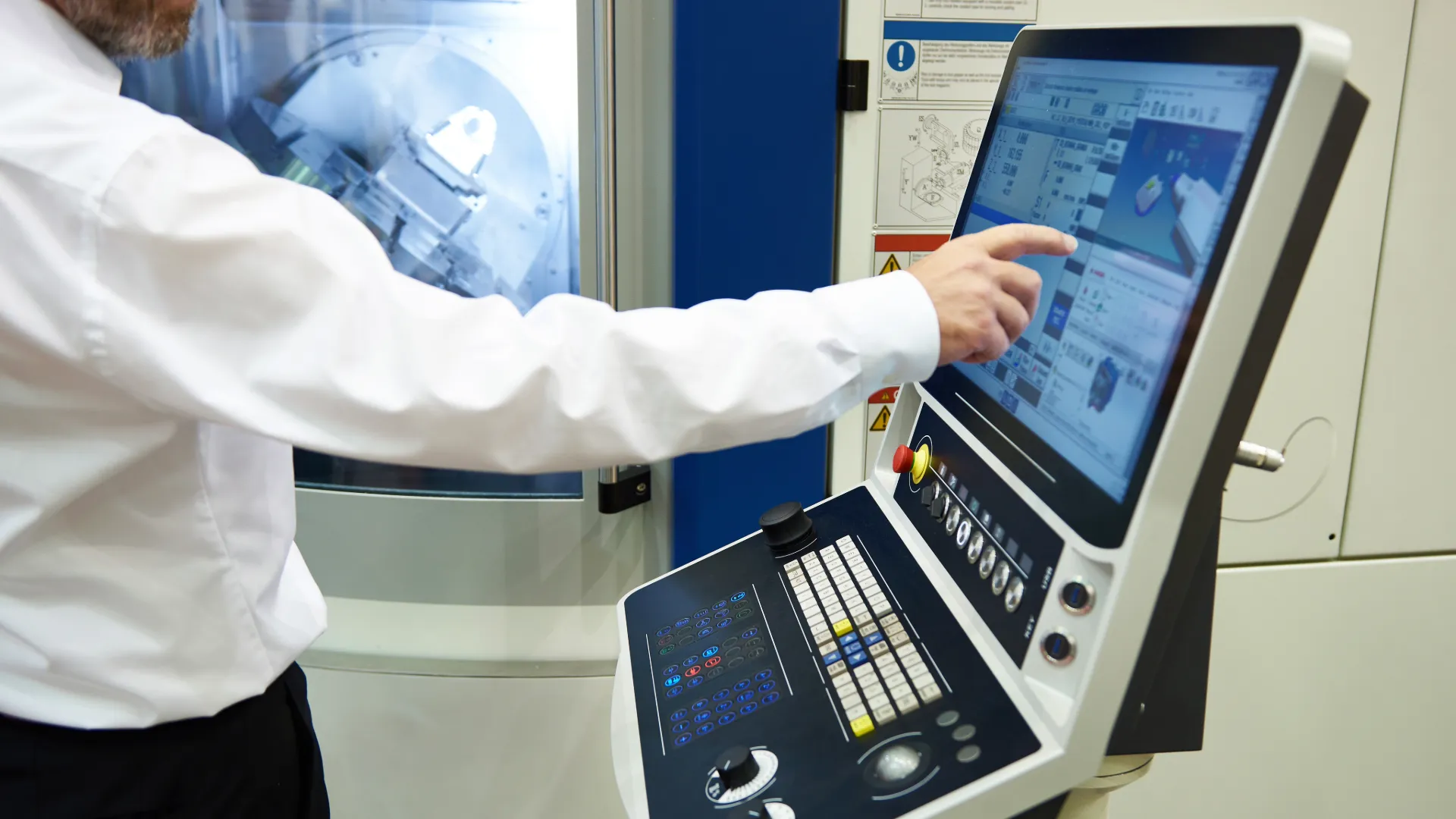
The cost of manual CNC programming is not limited to the time spent creating a program. As production volumes increase, small inefficiencies can become significant costs for the business.
A programmer may spend several hours preparing programs, modifying existing jobs, checking dimensions, arranging parts, and making changes based on customer requirements. When the same process is repeated across hundreds of jobs, the total time can become substantial.
Material utilization is another important factor. In sheet metal fabrication, inefficient part arrangement can leave larger unused areas on a sheet. This can increase material consumption and affect the overall cost of production.
Programming errors can also create additional expenses. An incorrect cutting sequence, dimension, machining operation, or CNC output can result in scrap, rework, machine downtime, or delayed deliveries.
Customer revisions create another challenge. If a customer changes the part dimensions or quantity after programming has already started, the programmer may need to repeat several manual steps. As the number of revisions increases, managing these changes becomes more time-consuming.
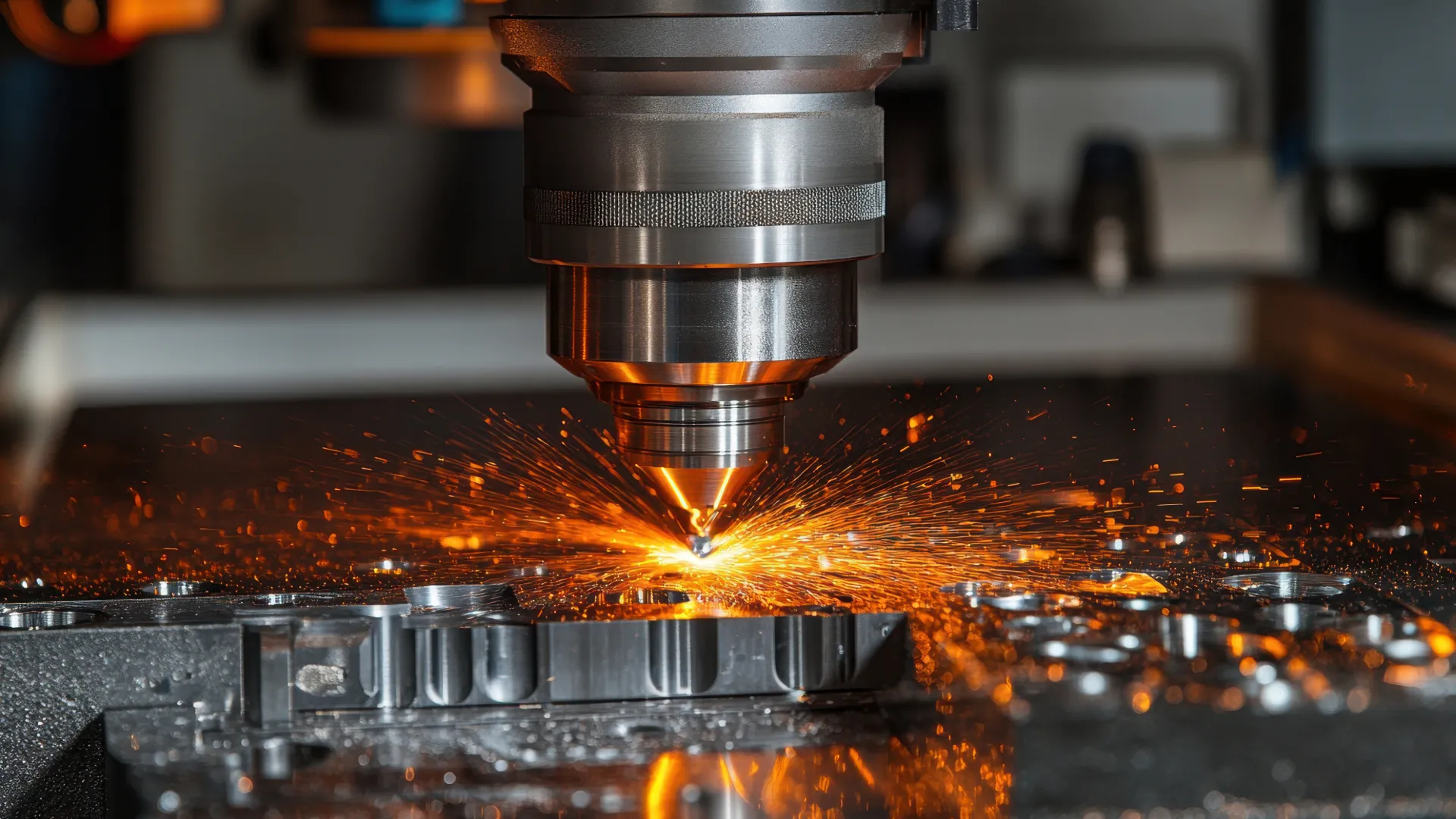
Growth brings additional complexity to a fabrication shop. A company that initially works with a small number of machines may eventually operate laser cutting, plasma cutting, oxyfuel cutting, punching, waterjet, or other CNC equipment.
At the same time, customers may provide drawings in different CAD formats and request different materials, thicknesses, quantities, and delivery schedules. The number of part numbers and drawing revisions can also increase significantly.
Managing all these activities through separate manual processes can make it difficult to maintain an efficient production flow.
A connected CAD/CAM workflow can help bring several stages of manufacturing into a more organized process. Instead of treating design preparation, part programming, nesting, machining operations, and CNC output as completely separate activities, manufacturers can manage them as part of a structured workflow.
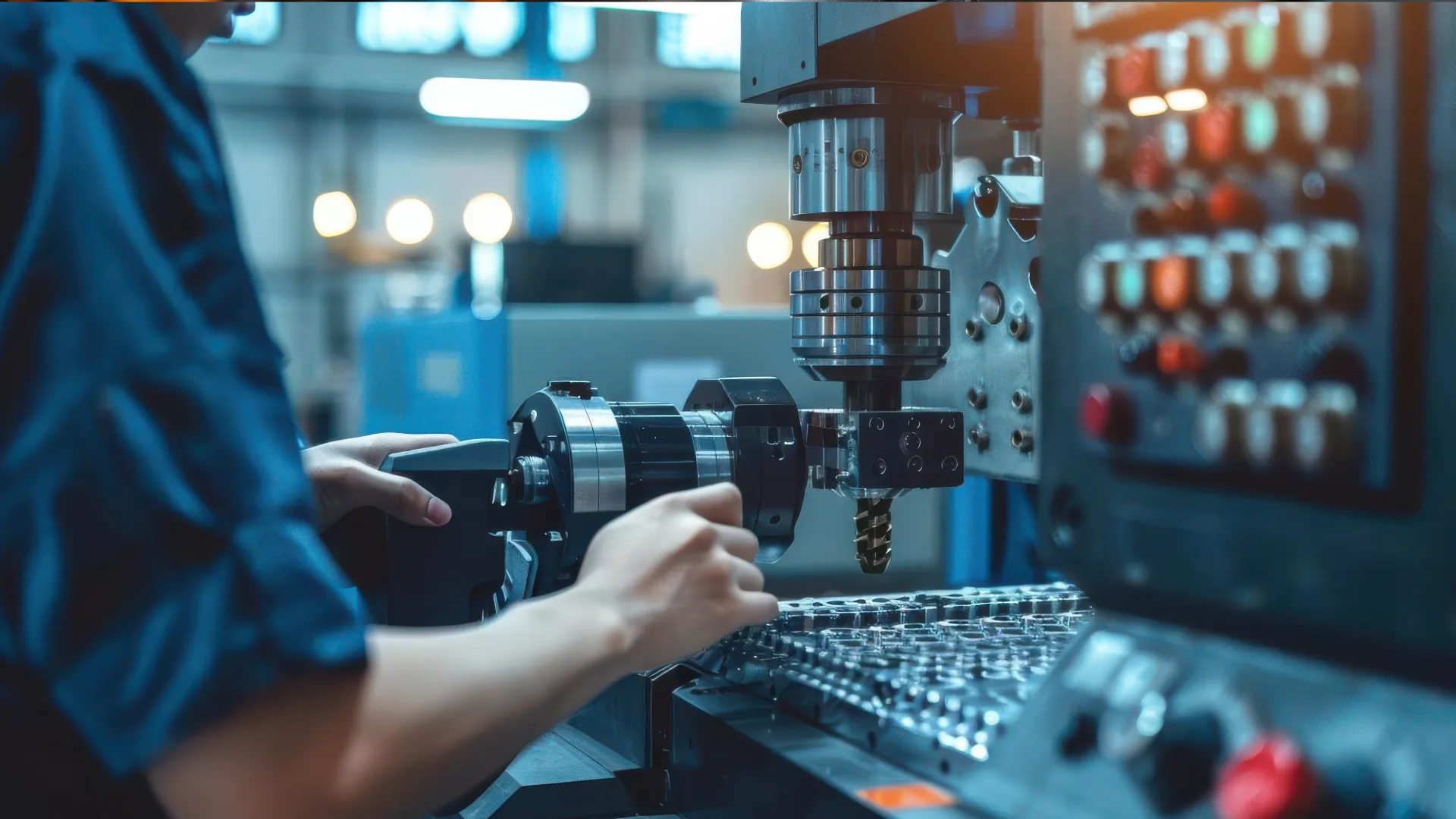
CAD/CAM software can help growing fabrication shops manage increasing workloads by simplifying repetitive programming tasks and creating a more structured connection between CAD designs and CNC production.
Instead of manually preparing every programming step from the beginning, software can automate or simplify many common operations. This can reduce programming time and allow programmers to handle a larger number of jobs.
A structured CAD/CAM workflow can also improve consistency. Common manufacturing operations and programming practices can be managed in a repeatable way, helping reduce unnecessary differences between similar jobs.
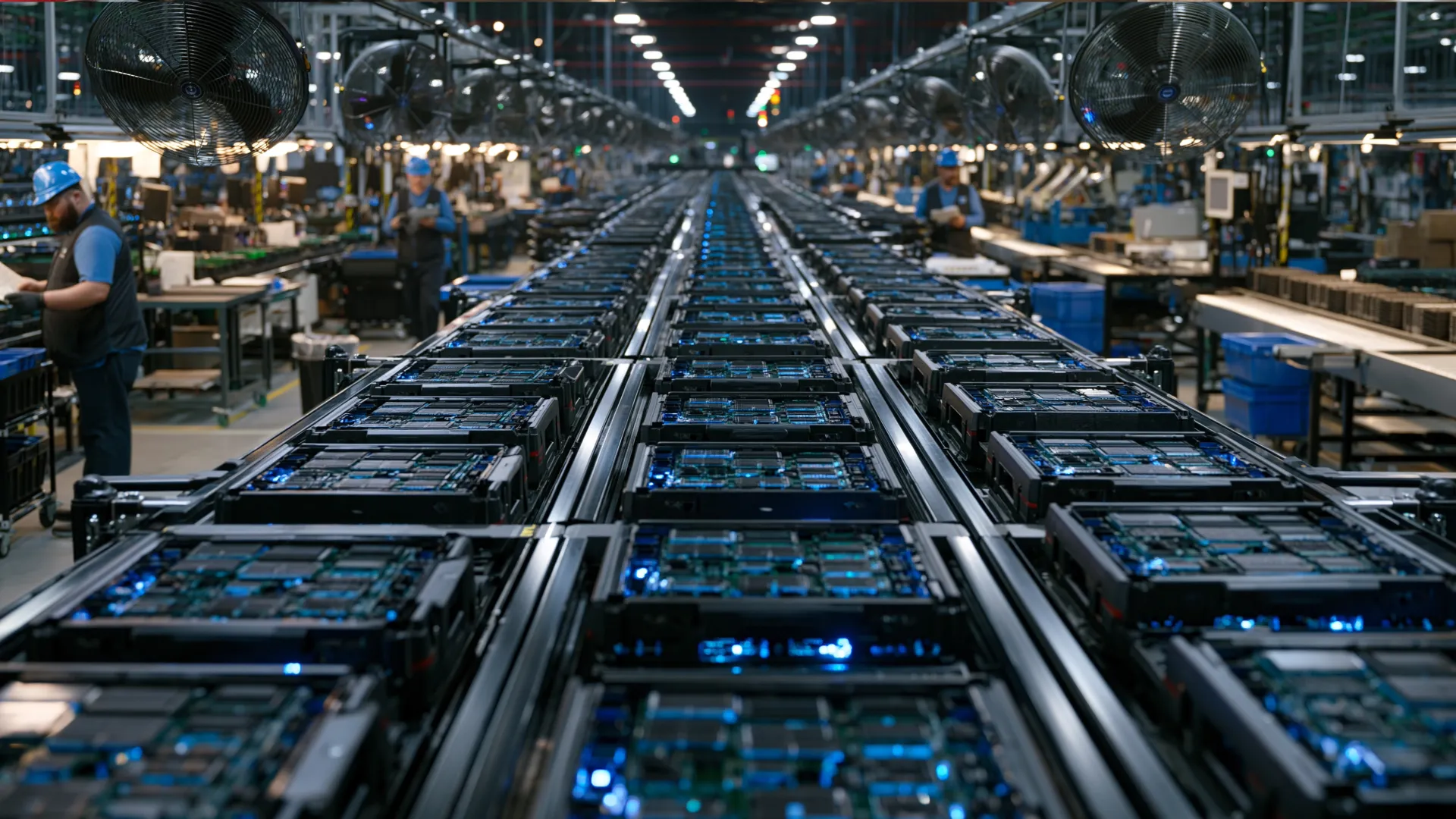
Moving beyond manual CNC programming does not mean that a fabrication shop needs to completely replace its existing production process immediately. A practical approach is to first identify the areas where the team spends the most time and then improve those specific processes.
For some shops, programming may be the biggest bottleneck. For others, the main challenge may be nesting, drawing preparation, revision management, or preparing CNC files for different machines.
Once these areas are identified, the company can decide which tasks can be automated or standardized using CAD/CAM technology.

 CADCAM Automation Systems
Advanced CAD/CAM Software for Sheet Metal Manufacturing